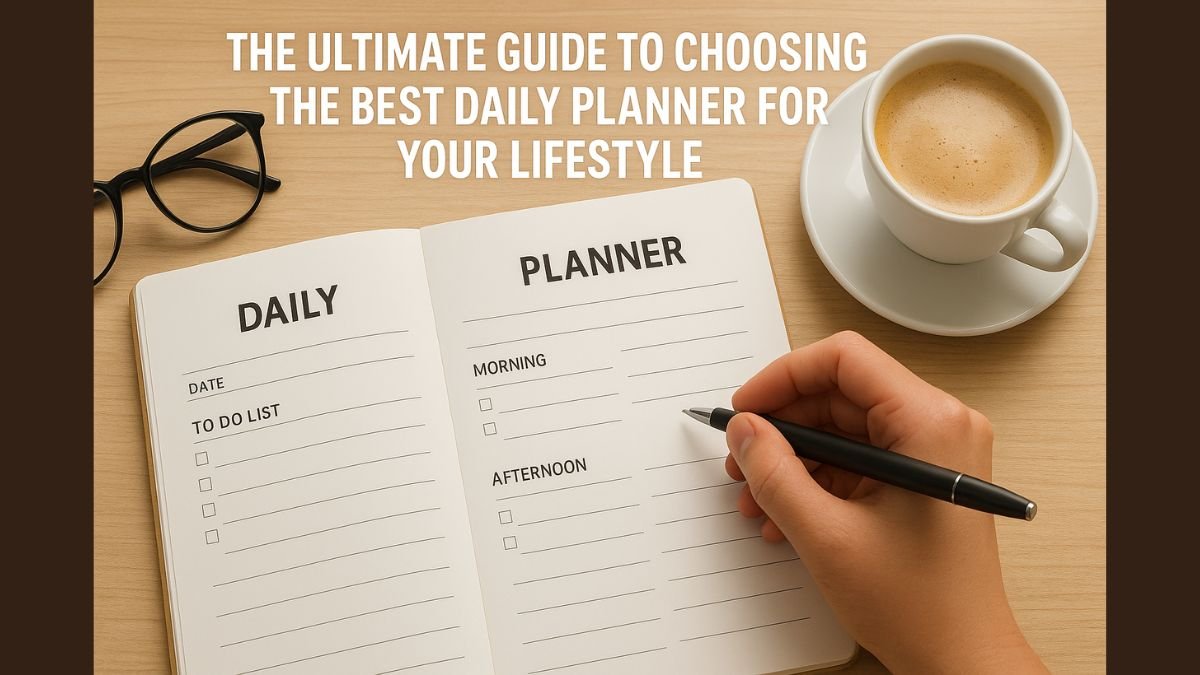
In 2025, with endless demands on your time, a daily planner is more than a tool—it’s a lifeline to staying organized, productive, and aligned with your goals. Whether you’re a busy professional, a student juggling classes, a parent managing a household, or an entrepreneur chasing big dreams, the right daily planner can transform how you navigate your day. But with so many options—paper vs. digital, minimalist vs. feature-packed—how do you choose the one that fits your lifestyle? This ultimate guide will walk you through everything you need to know to pick the best daily planner for your unique needs, inspired by the structured approach of high-achievers like Elon Musk.
Why a Daily Planner Matters
A daily planner helps you take control of your time, prioritize tasks, and stay focused on what matters most. By providing structure and clarity, it reduces stress, boosts productivity, and keeps you on track toward your goals. But not all planners are created equal—choosing one that aligns with your lifestyle is key to making it a habit. Below, we’ll explore the factors to consider, types of planners, and practical tips to find the perfect fit.
1. Understand Your Lifestyle and Needs
The first step in choosing a daily planner is assessing your lifestyle. Are you a visual person who loves writing by hand? Do you need a planner that syncs across devices for on-the-go access? Understanding your daily routine and preferences will guide your choice.
How to Do It:
- Ask Yourself:
- What’s my daily routine like? (e.g., structured 9–5, chaotic freelance schedule, or student life)
- Do I prefer analog (paper) or digital tools?
- What features do I need? (e.g., goal tracking, habit tracking, time-blocking, or calendar integration)
- Examples:
- Busy professionals might need a planner with time-blocking and meeting reminders.
- Students may want space for class schedules and assignment deadlines.
- Creatives might prefer a planner with room for brainstorming or doodling.
Pro Tip: Write down your top 3 must-have features (e.g., portability, task prioritization, or app integration) to narrow your options.
2. Choose Between Paper and Digital Planners
The paper vs. digital debate is a big one. Each has unique benefits, and your choice depends on your preferences and lifestyle.
Paper Planners
- Pros:
- Tactile and distraction-free, ideal for those who love writing by hand.
- Great for creative expression with bullet journaling or custom layouts.
- No need for batteries or internet access.
- Cons:
- Less portable for some (heavier than a phone).
- Harder to edit or rearrange tasks.
- No automatic reminders or cloud syncing.
Digital Planners
- Pros:
- Sync across devices for access anywhere.
- Features like reminders, calendar integration, and task automation.
- Easy to edit and reorganize tasks.
- Cons:
- Can be distracting due to notifications or app overload.
- Requires a device and sometimes internet access.
How to Choose:
- If you love the tactile feel of writing and don’t need constant syncing, go for a paper planner.
- If you’re always on the go or work across multiple devices, a digital planner like Daily Planner offers seamless integration and flexibility.
3. Identify Key Features for Your Goals
Different planners offer different features, so prioritize those that align with your goals. Here are some common features and who they’re best for:
- Time-Blocking: Perfect for professionals or anyone inspired by Elon Musk’s structured approach to scheduling every minute.
- Goal Tracking: Ideal for those working toward long-term objectives, like fitness or career milestones.
- Habit Tracking: Great for building routines, like daily meditation or water intake.
- Calendar Integration: Essential for syncing with work or personal calendars (Google, Outlook, etc.).
- Customizable Layouts: Suited for creatives who want flexibility in design.
- Portability: Key for travelers or those with busy, on-the-go lifestyles.
How to Do It:
- List your goals (e.g., “Launch a side hustle” or “Improve fitness”) and match them to planner features.
- For example, if your goal is better time management, prioritize time-blocking and reminders.
Pro Tip: Tools like Daily Planner combine time-blocking, goal tracking, and digital convenience, making them versatile for various lifestyles.
4. Consider Your Budget
Daily planners range from free to premium, so factor in your budget when choosing.
- Free Options:
- Printable planners (download and print at home).
- Free apps with basic features (e.g., Google Calendar or simple to-do list apps).
- Paid Options:
- Premium paper planners ($20–$50, e.g., Passion Planner or Moleskine).
- Subscription-based digital planners or apps ($5–$10/month for advanced features).
How to Do It:
- If budget is tight, start with a free digital planner or printable template.
- If you’re investing in a paid planner, ensure it offers features you’ll actually use, like habit tracking or cloud syncing.
5. Evaluate Portability and Usability
Your planner should fit seamlessly into your life. Consider how and where you’ll use it.
- Paper Planners:
- Size matters: A5 or smaller for portability, larger for detailed layouts.
- Look for durable covers and binding to withstand daily use.
- Digital Planners:
- Check for cross-device compatibility (phone, tablet, laptop).
- Ensure the interface is intuitive and not overly complex.
How to Do It:
- Test a planner’s usability. For paper, flip through a sample at a store. For digital, try free versions of apps like Daily Planner to see if the interface suits you.
6. Match the Planner to Your Personality
Your planner should feel like an extension of you. A planner that matches your personality is more likely to become a daily habit.
- Minimalists: Choose simple layouts with clean designs and essential features.
- Creatives: Opt for planners with space for doodles, stickers, or bullet journaling.
- Tech-Savvy: Go for digital planners with integrations and automation.
- Goal-Oriented: Pick planners with dedicated goal-setting and progress-tracking sections.
How to Do It:
- Browse planner designs to find one that excites you. For example, a colorful paper planner might inspire creatives, while a sleek digital app suits tech enthusiasts.
7. Test and Refine Your Choice
No planner is perfect out of the gate. Commit to testing your choice for a few weeks and refine your approach as needed.
How to Do It:
- Use your planner daily for 2–3 weeks to see if it fits your workflow.
- Note what works (e.g., “Love the habit tracker”) and what doesn’t (e.g., “Too many fields to fill out”).
- Switch to a different planner or tweak your usage if needed (e.g., simplify your layout or try a new app).
Pro Tip: Start with a flexible digital planner like Daily Planner, which allows you to experiment with layouts and features without committing to a physical purchase.
8. Top Daily Planner Recommendations for 2025
To help you get started, here are some planner types and recommendations tailored to different lifestyles:
- For Professionals: Digital planners with time-blocking and calendar syncing (e.g., Daily Planner or Todoist).
- For Students: Paper planners with assignment trackers (e.g., Passion Planner or Erin Condren Academic Planner).
- For Creatives: Bullet journals or customizable planners (e.g., Leuchtturm1917 or Moleskine).
- For Parents: Planners with family schedules and meal planning sections (e.g., The Happy Planner).
- For Entrepreneurs: Goal-focused planners with space for brainstorming and milestones (e.g., Panda Planner or digital tools with analytics).
Making Your Daily Planner Work for You
Once you’ve chosen your planner, the key is to use it consistently. Here are some final tips to maximize its impact:
- Start Small: Begin with basic features like task lists and time-blocking, then add habit tracking or goal setting as you get comfortable.
- Review Daily: Spend 5–10 minutes each morning or evening planning your day.
- Stay Flexible: Adjust your planner’s layout or features as your lifestyle evolves.
- Make It Enjoyable: Add personal touches like stickers, colors, or motivational quotes to keep you engaged.
Choosing the best daily planner for your lifestyle is about aligning the tool with your needs, goals, and personality. By understanding your routine, prioritizing key features, and testing your choice, you can find a planner that empowers you to take charge of your time and achieve your dreams. Whether you opt for a paper planner’s tactile charm or a digital planner’s flexibility, the right choice will transform how you approach each day.
For a user-friendly digital option, try Daily Planner, which offers intuitive time-blocking, goal tracking, and cross-device syncing to help you plan like a pro, inspired by visionaries like Elon Musk. Start exploring your options today, and take the first step toward a more organized, productive 2025.
Hi, I’m Sam Thomas. I love writing about productivity and simple ways to stay organized in daily life. Through this blog, I share practical tips, planners, and ideas that have helped me stay on track. My goal is to make planning easy and useful for everyone.